€7,281total AI spend
 ElevenLabs€1,908
 OpenAI€1,864
 OpenRouter€1,394
 Google€869
- Other€1,246

Know what AI really costs on each client project, by provider, model, and person, in one live view. Find waste early and protect your margins.
Demo needs no account. Create an account when you are ready to use your own data.




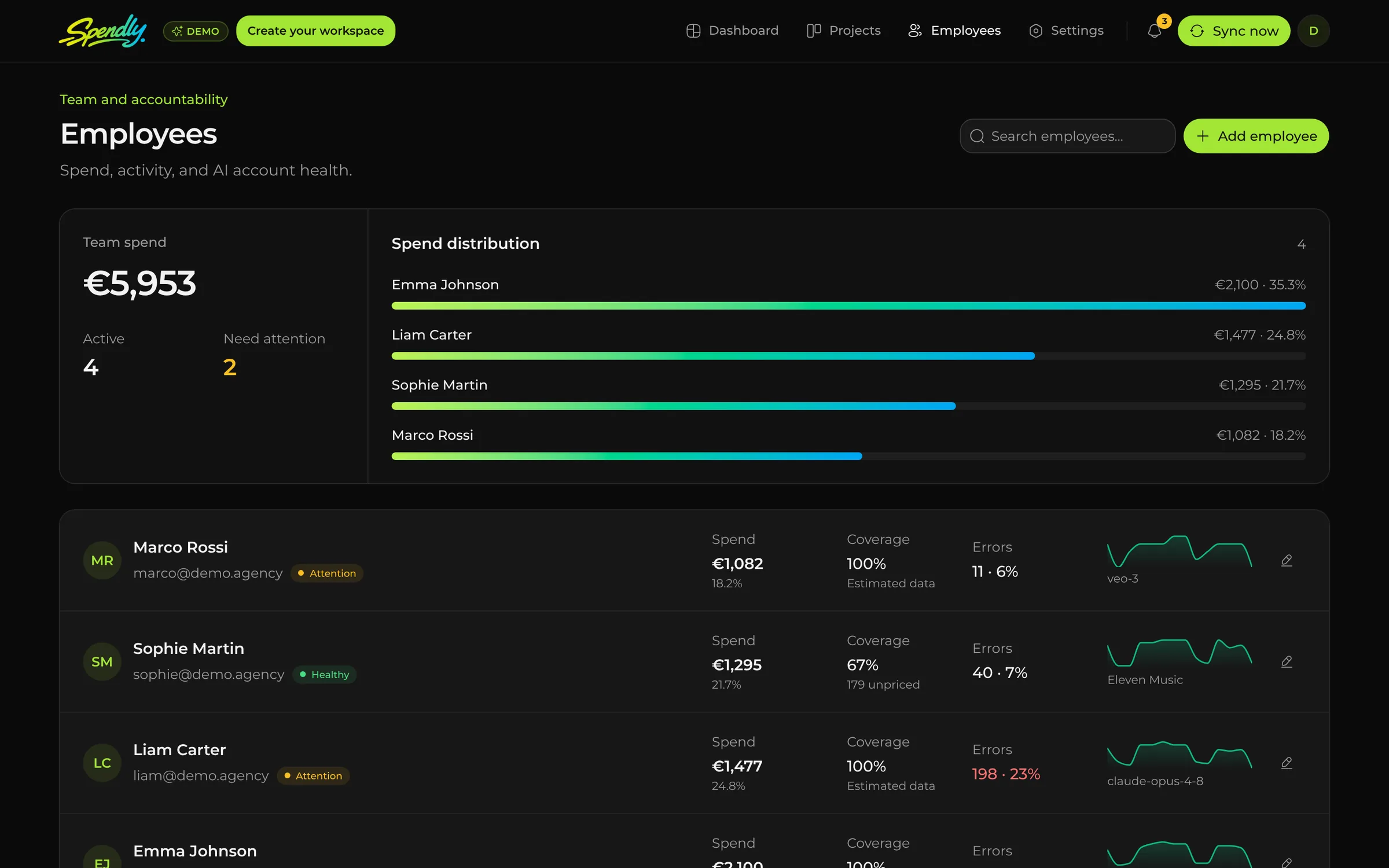
Each person brings their own models, providers, and workflows. Spendly turns scattered activity into one accountable view.









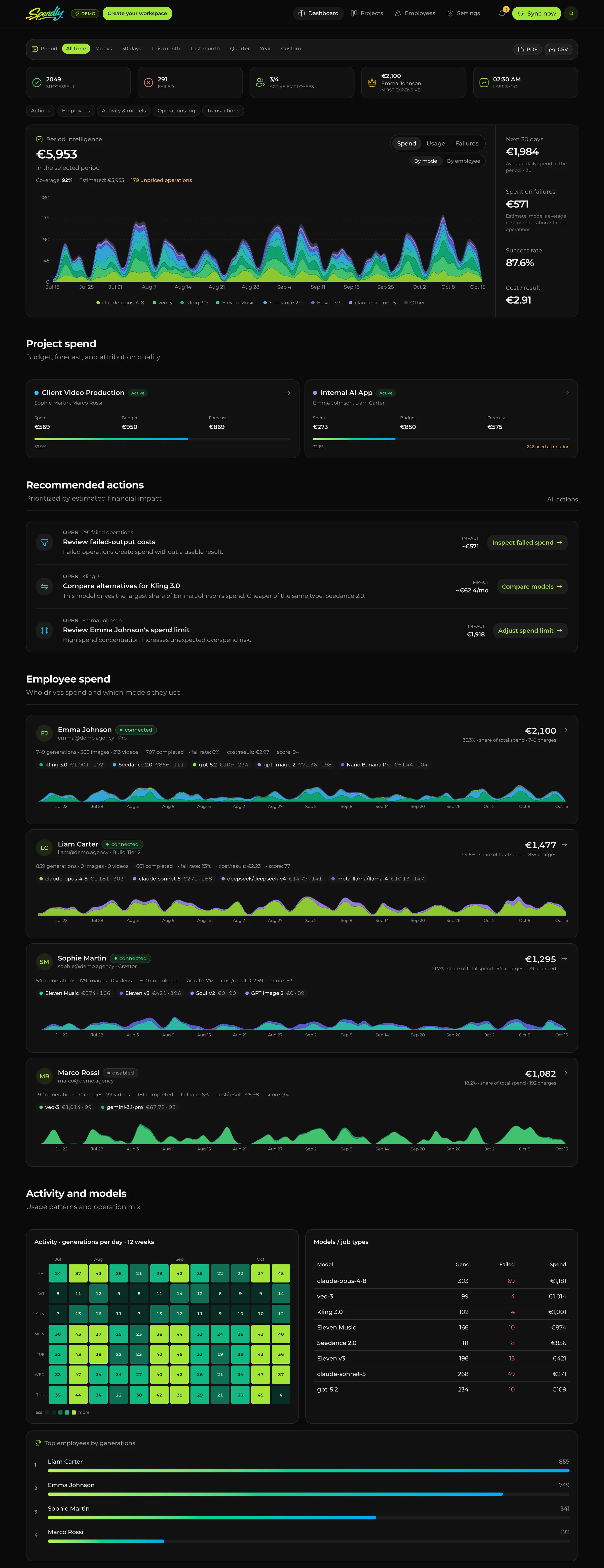
The same spend can be explored from the angle that matters right now: model economics, employee ownership, or project margin.
ElevenLabs€1,908OpenAI€1,864OpenRouter€1,394Google€869



Forecast €2,930 by Jul 23, inside budget
€771 spent on 72 failed runs
Advertising videos and voiceover for the client.
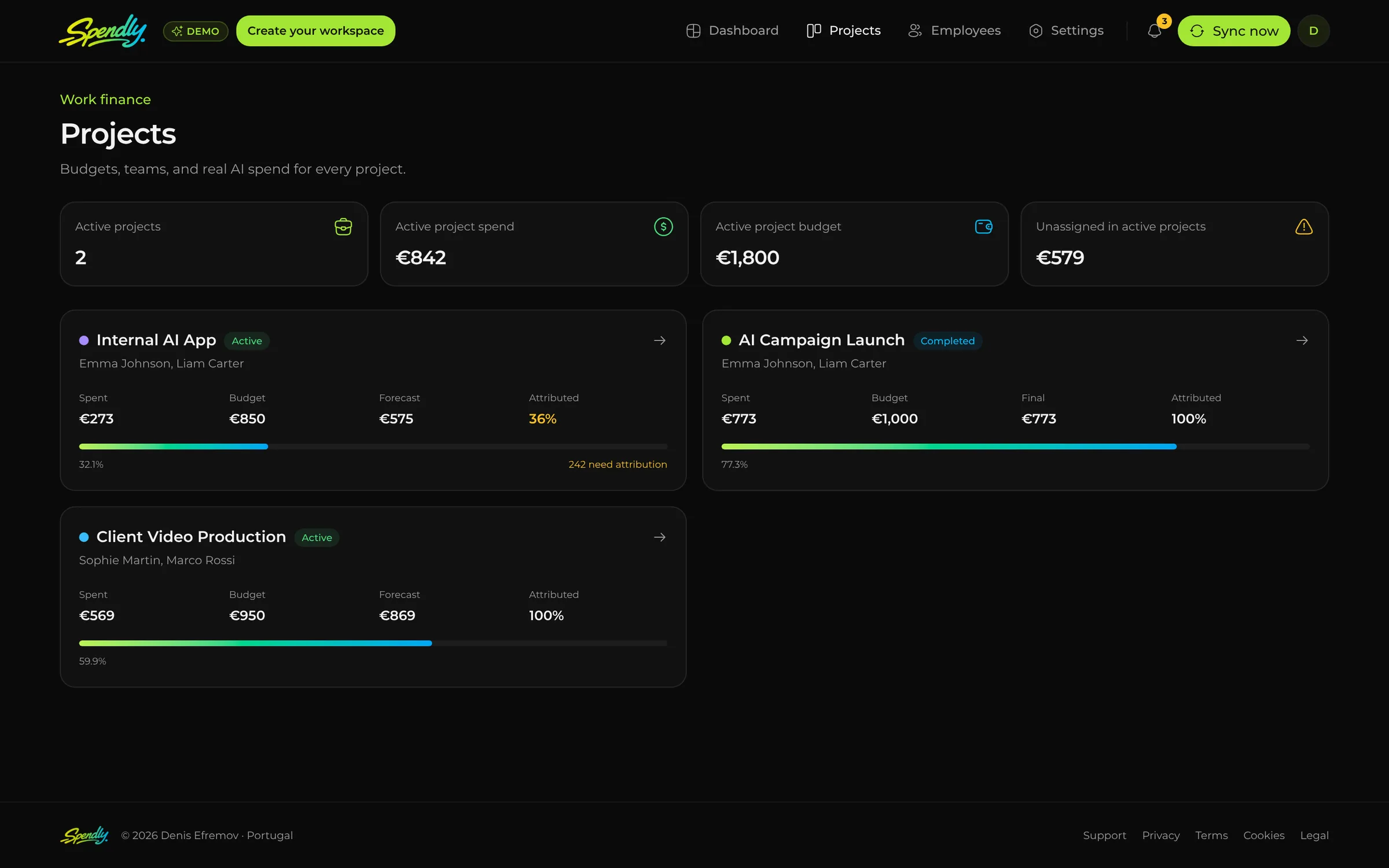
Create a project, add the people doing the work, set a budget, and track the AI cost of an application, video, campaign, or prototype.
Set what counts as urgent, choose the provider accounts or projects to monitor, and route personal Telegram alerts to owners, admins, every employee, or selected employees. Shared webhooks deliver once to the team channel.
Spendly saves the baseline, waits for 10 completed post-change results with at least 80% pricing coverage, then reports whether cost improved, stayed flat, or got worse.
Failed operations create spend without a usable result.
| Employee | Provider | Model | Estimated loss |
|---|---|---|---|
| Sophie Martin | Runway | Runway Gen-4 | €46 |
| Marco Rossi | OpenAI | gpt-image-2 | €30 |
72 operations ready for review
Data coverage: High · 94% priced · 64 results in 30 days
Plan compares Runway Gen-4 with veo-3
Reported after 10 results with at least 80% pricing coverage
Spendly never switches a provider or model for you. Your team applies the change; Spendly measures the outcome.
Provider APIs expose very different data. Here is what each connection does today, so you know which numbers arrive on their own and which ones need your input.
Operations, transactions, and balance sync automatically after you connect the account.
Spendly reads usage and monetary spend reported by the provider’s own API.
Spendly checks the key and reads balance or quota. Spend is estimated from your pricing and labelled as an estimate.
No usable API yet. Record spend manually so it still appears next to your other tools.
Your provider invoice remains the final billing source. Spendly marks estimates and unpriced operations instead of hiding them.
Spendly encrypts each credential before storage and only exposes it to the server-side connector for the request that needs it. A saved key is never returned to the browser.
Read our privacy policya9F3·c1E7·0bD4·77aeSet your team size, provider count, and monthly AI bill. We estimate the portion worth reviewing for failed requests, fragmented provider spend, and unclear cost attribution.
Illustrative review estimate — not promised savings.Every plan includes the full product. Choose a limit based on connected employees — admins and view-only users never count toward it.
For small teams getting AI spend under control.
Billed monthly
Up to 10 tracked employees
Start 7-day trialFor growing teams with several tools and projects.
Billed monthly
Up to 50 tracked employees
Start 7-day trialFor larger teams that need broad cost visibility.
Billed monthly
Up to 200 tracked employees
Start 7-day trialFor teams tracking more than 200 employees or requiring tailored support.
Custom billing terms
201+ tracked employees
Contact usA tracked employee is a connected employee whose AI spend Spendly attributes and tracks. Admins and view-only users never count toward the limit.
No card required to start. After seven days, the dashboard pauses until a subscription is activated. Prices exclude applicable taxes.
Short answers to what teams ask first. More on the support page, and a full AI spend management guide.
Each credential is encrypted with its own data key (AES-256-GCM) before storage and is decrypted only on the server, for the provider request that needs it. A saved key is never returned to the browser. Use read-only or least-privilege keys whenever the provider supports them.
Some providers expose credits, tokens, generated seconds, or incomplete historical prices rather than final invoice lines. Spendly shows pricing coverage, labels estimates, and counts unpriced operations separately. The provider invoice remains the final billing source.
Plans are based on connected employees: the people whose AI spend Spendly attributes and tracks. Admins and view-only users never count toward the limit, and every plan includes unlimited admins and view-only users.
You can start a 7-day trial without a card. After seven days the dashboard pauses until a subscription is activated. Subscriptions can be cancelled from the billing portal or by contacting support; cancellation stops the next renewal and normally takes effect at the end of the paid period.
Higgsfield syncs operations, transactions, and balance automatically. OpenAI, Anthropic, and OpenRouter report usage and spend through their APIs. Most other providers support a key check plus balance or quota where available, and a few without a usable API are tracked manually. The Integrations section above lists every provider and its level.
Explore a realistic Spendly workspace and see how providers, models, employees, projects, and recommendations fit together.

 xAI (Grok)
 Together AI
 Luma AI
 fal.ai
 Midjourney
 Kling AI
 Ideogram
 Suno
Suno